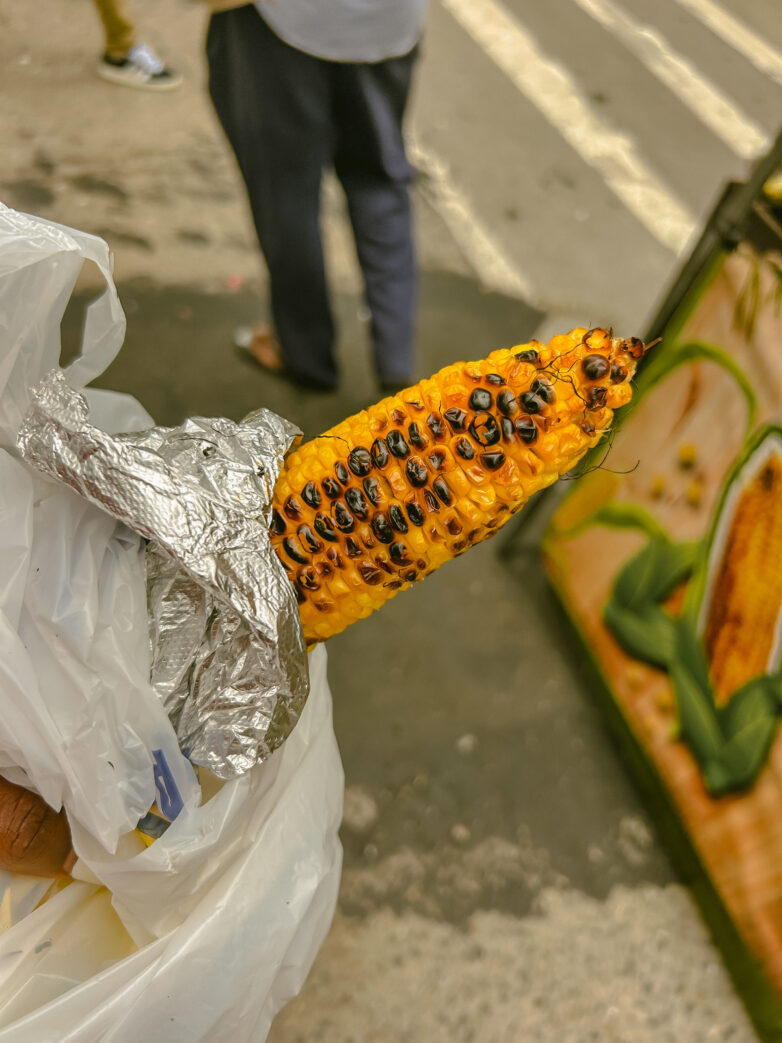
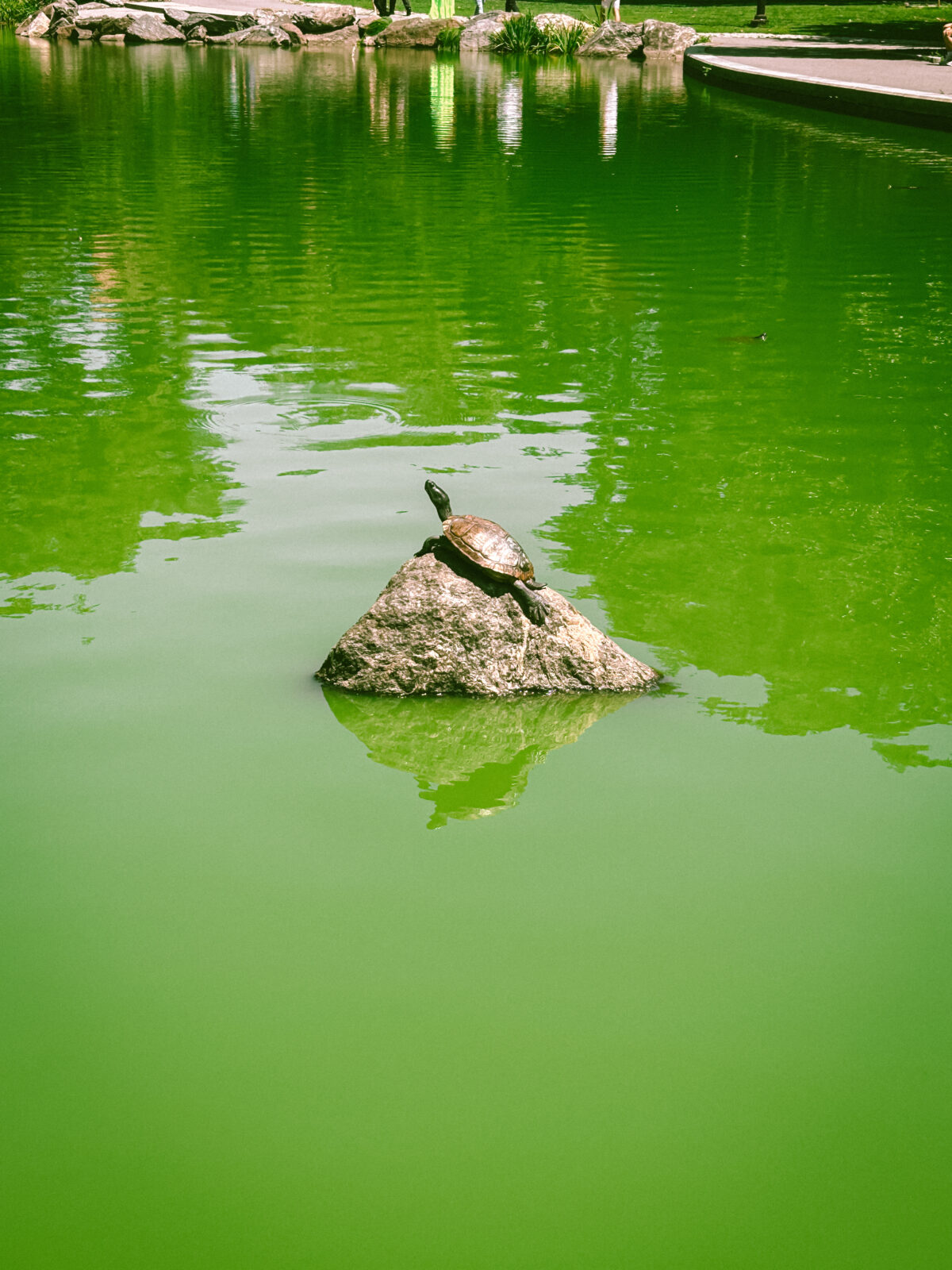
I recently learned how to get the ricoh & fujifilm look on iPhone photos and I am having so much fun! So of course, I wanted to share the easy tips to help you do the same.
1. purchase etsy lightroom packages
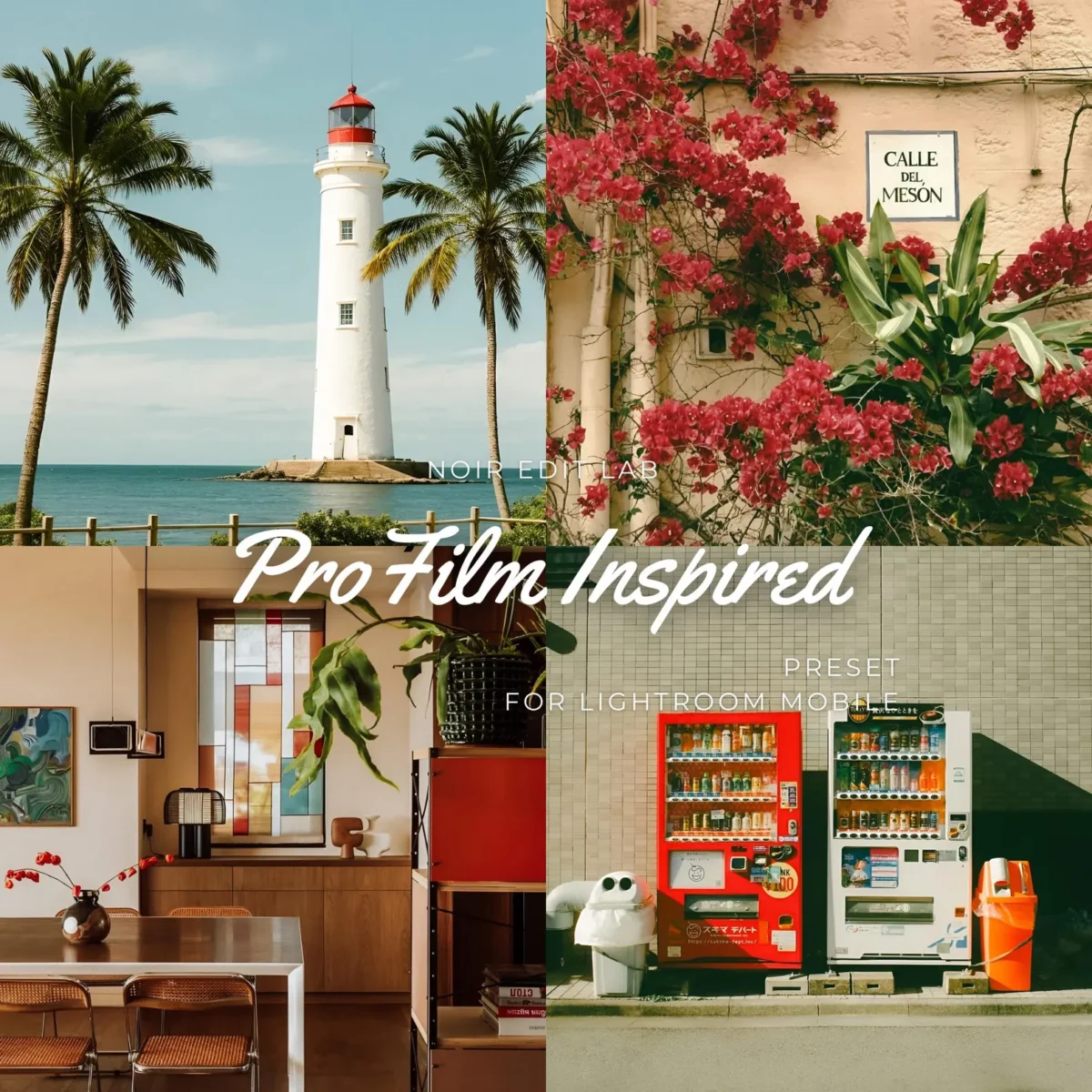
I found these one day while scrolling on threads and I have never looked back. They are called “15 Pro Film Inspired Analog Film Bundle Lightroom Presets” and cost $5 on etsy here.
2. download presets into lightroom
Once you purchase the presets you can download them unto lightroom. The creators of the presets include instructions of how to download the photos unto lightroom. But I also explain this process step by step on a recent youtube short here.