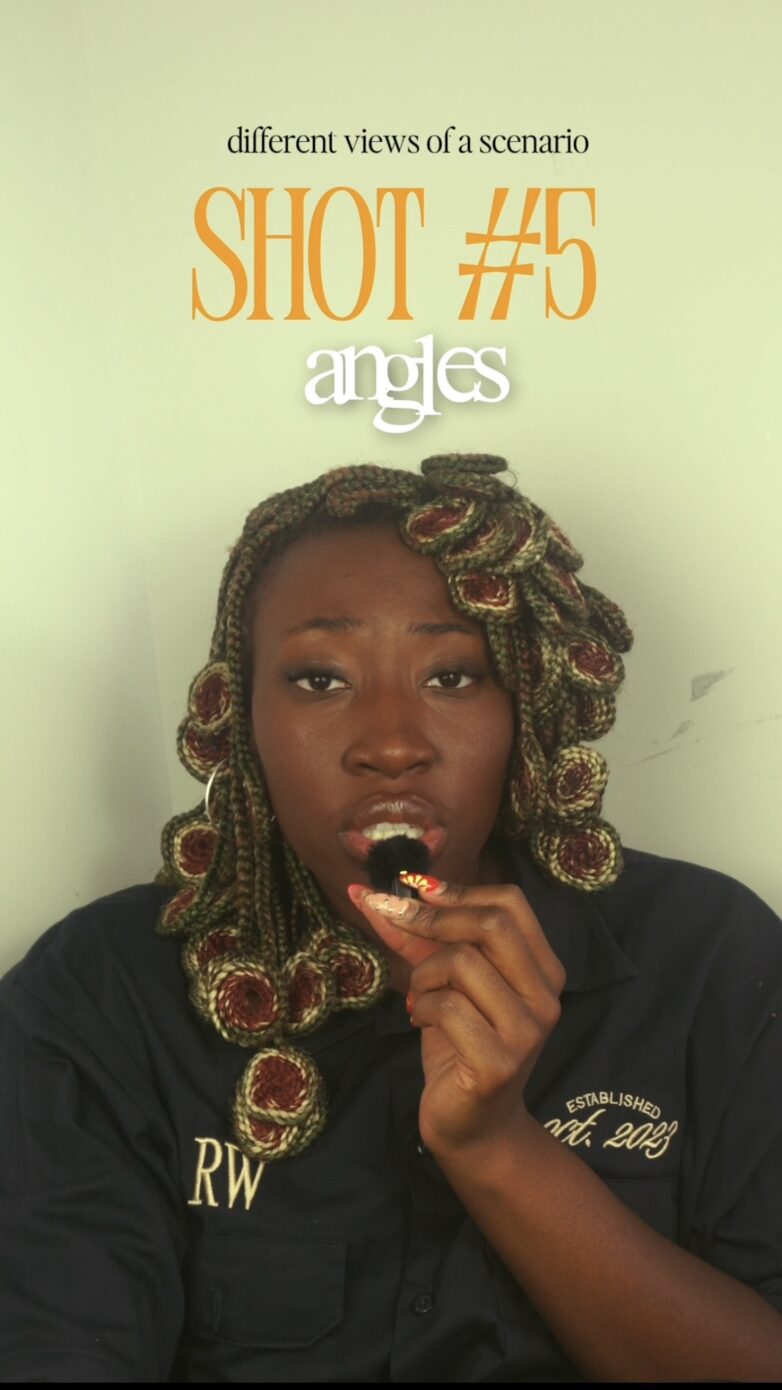
I have learned my color grading via youtube.org and I have still not mastered it.. But Someone asked me on tiktok how I got a certain resolution so I guess it’s time to share my color grading for storytelling video editing tips. And to be honest, I think color grading is trial and error and there is no ‘correct’ way to color grade. It just depends on the vibe you are going for.
1. Shoot In S-Log
S-log is basically a stripped down version of the colors in your video so that when you do go in to color grade you are able to capture more colors/details. At least that’s how I interpret it. How do you find s-log on your camera? My advice would be to go on youtube and type ‘how to find s-log on [insert camera] name”. There are TONS of videos out there that give quick and easy directions.
If you don’t got a camera and only got your phone – no worries! Iphone 15 Pro, iphone 15 Pro Max, Iphone 16 Pro and Iphone 16 Pro Max now let you shoot in s-log. You don’t got those iphones? No worries me neither! Like I said in my article here, you should start off with your phone anyways. Even if you don’t shoot in S-log it is not the end of the world – you can still color grade well.
2. Add A Conversion Package
I talked about this in my must know camera settings blog here. But basically when you shoot in log, your footage is going to look kind of grey/washed out. Therefore, you need to download a conversion package that converts your s-log to the colors your sony camera captured. I downloaded this 70 Free Luts version years ago here. It comes with a conversion package as well LUT packages (which i will discuss below)
Note: In order to donwload these LUT packages, you will have to download ‘Custom Luts’ in to your effects (if you are using final cut pro). I can’t recall if they taught me how to do that or if I learned that on youtube. Regardless something to note.
Once you download the 70 Free Luts, drag your custom LUTS in effects unto your video, then under effects, go to LUT, chose 70 CGS LUTS –> log to Rec709 and chose whatever conversion you need depending on your camera. I have a sony camera so I use Sony Slog3 Cine or Sony Slog3.
3. Add A LUT Package
A LUT Package is basically a premade color grade to shoot your video whatever color you would like. LUT packages have different colors that can help you potray different vibes or moods of your videos. Luckily if you downloaded the LUT package you have a lot of color grade options. I recently decided to download lacapturevisuals LUTS which have completely leveled up my videos. but you do have to pay for them. However, I feel like they are worth it if you are trying to improve your color grading for storytelling video editing